Made for iPhone Duo
Notes that connect over time
The notebook that folds up like the real thing. Plan your week, save a recipe, map a trip or sketch out an idea, all in one place, on the phone that's already in your pocket.
 Coming soon to the App Store
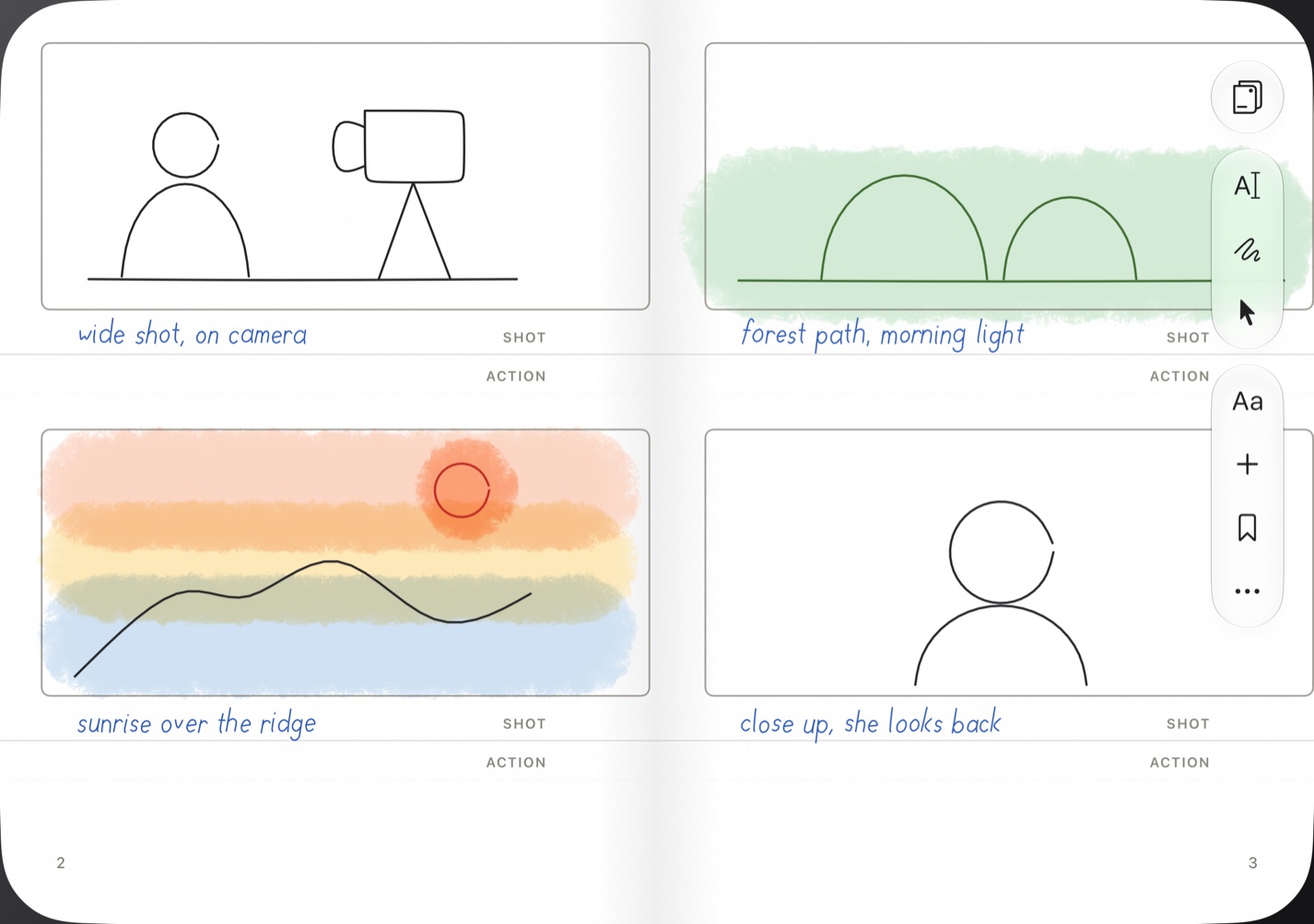

One notebook, every kind of page
Whatever you're working on, there's paper for it
Pick a paper and a page color, then write by hand, type, or do both on the same page. Search finds it all later.
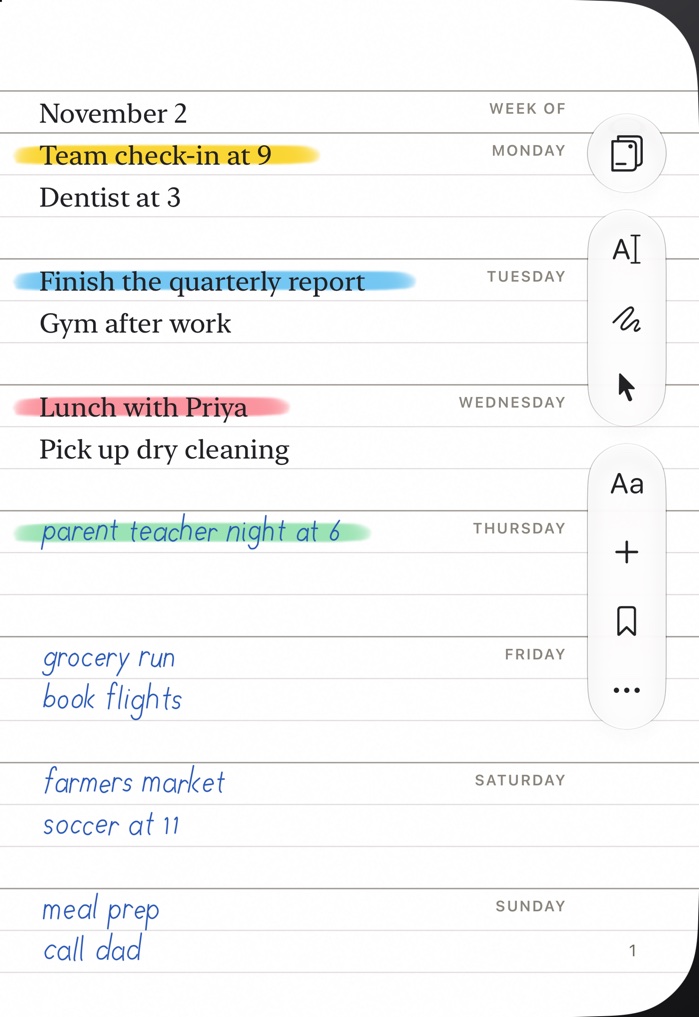
Run your week
Type the fixed things, then write in the rest as the week fills up.
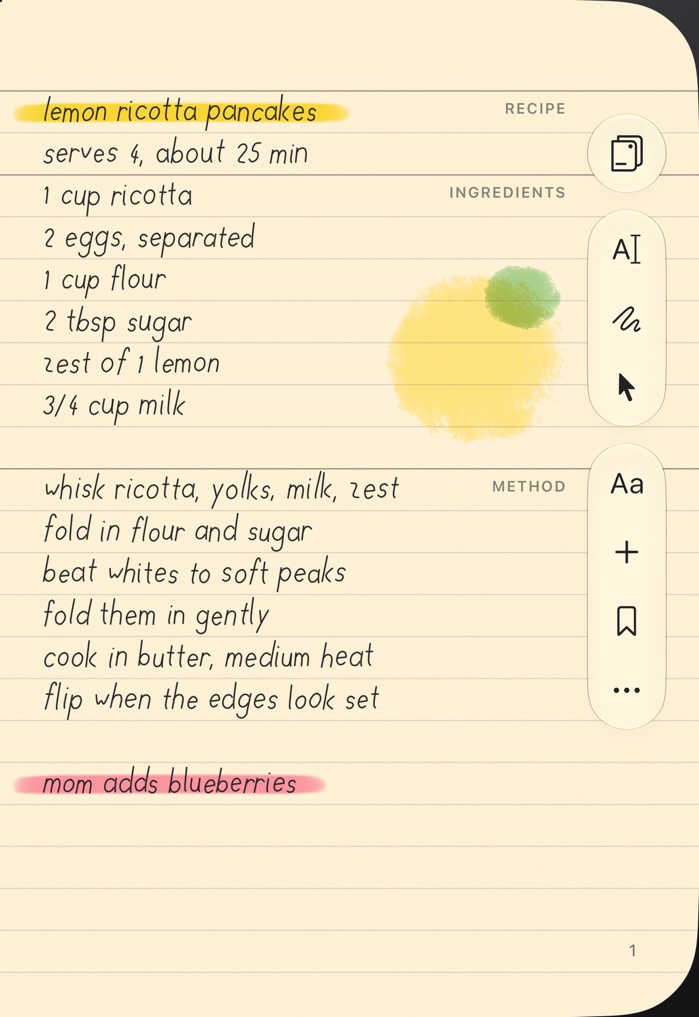
Keep your recipes
Handwritten on warm paper, ready on the counter.
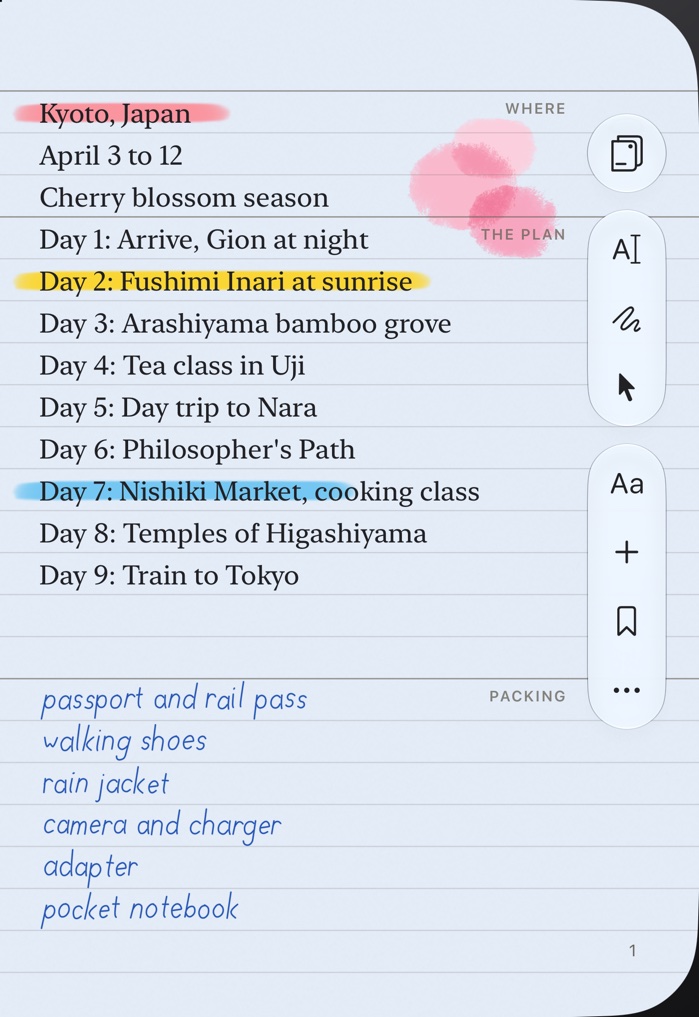
Plan the trip
Type the plan, then scribble the packing list.
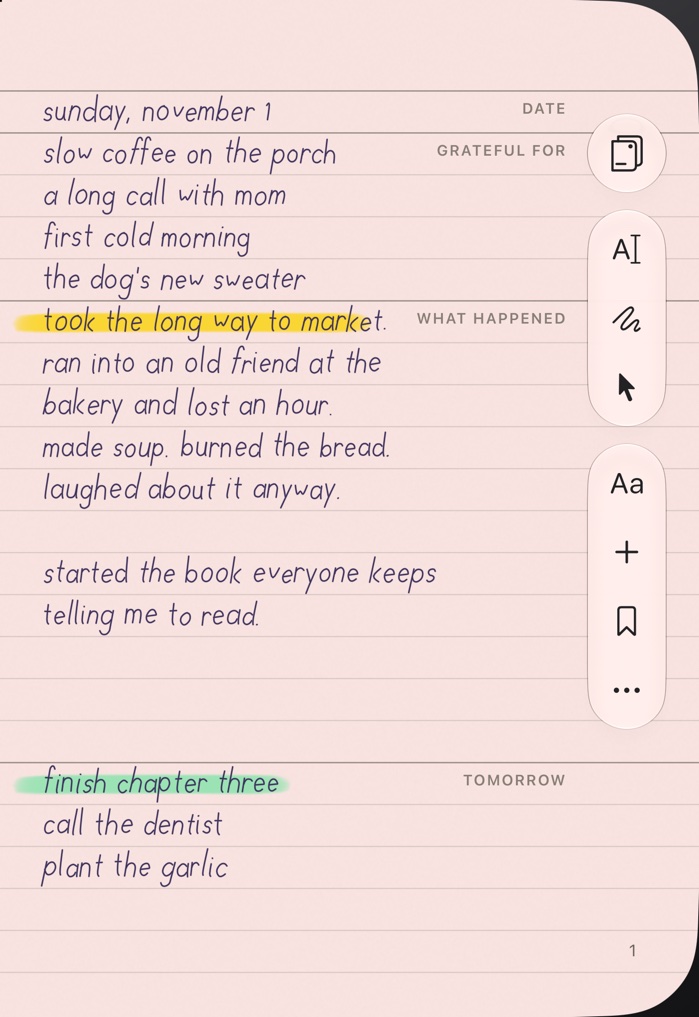
Keep a journal
A few handwritten lines a day, in a color that suits you.
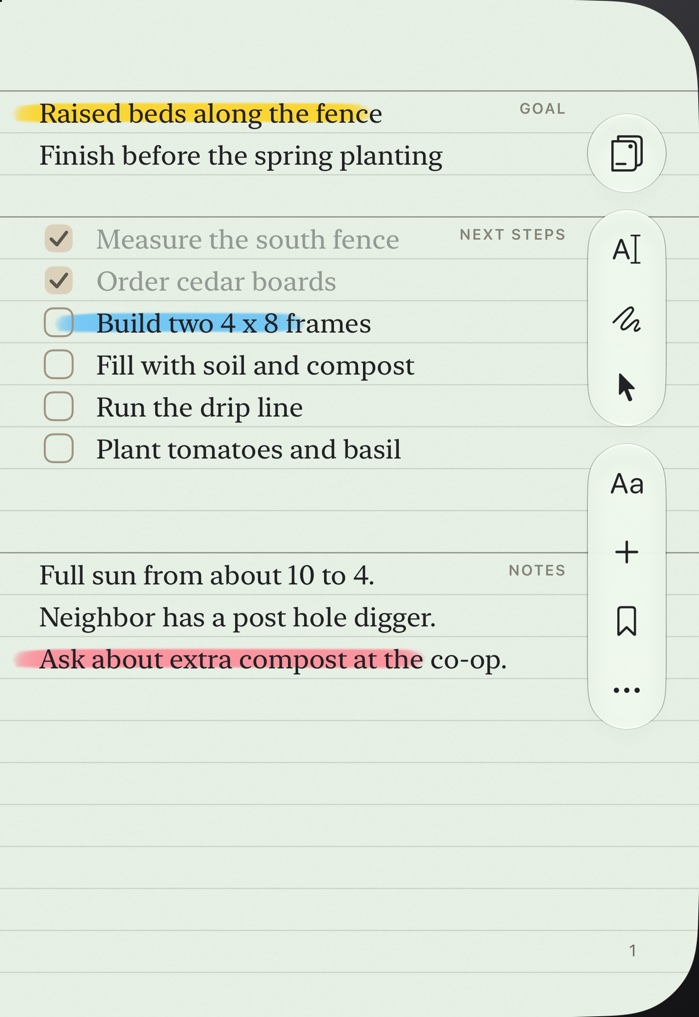
Finish the project
Typed checklists you can tick off, with notes along the way.
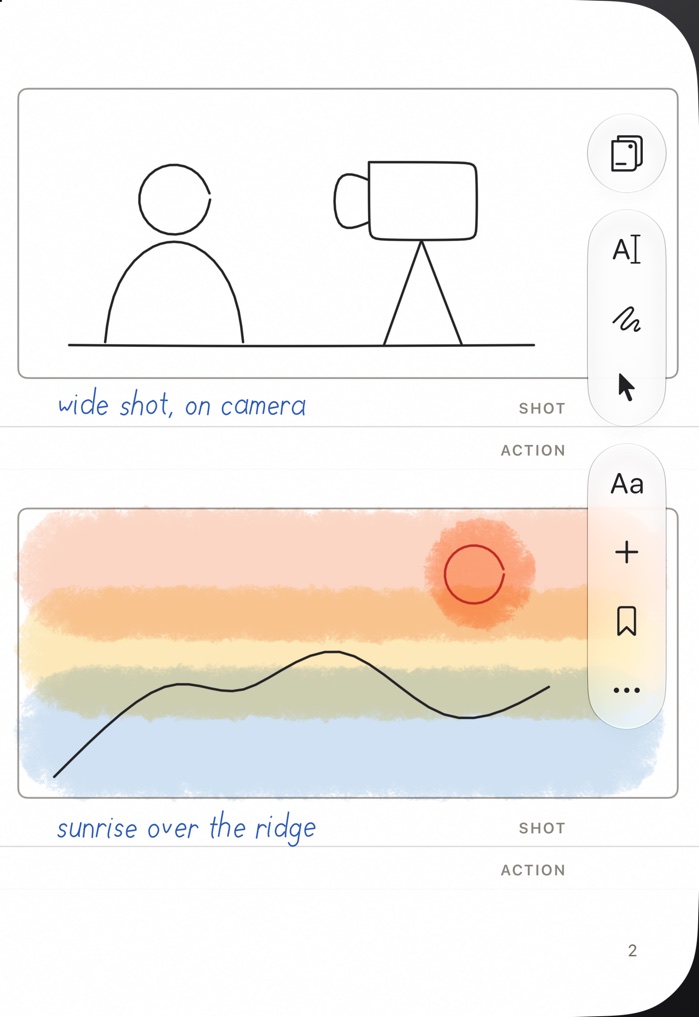
Sketch the idea
Full-page frames for sketching videos, lessons, or anything you need to see first.
Fast by design
Start in seconds
Good ideas show up at the worst times, so the notebook has to be quicker than the thought.
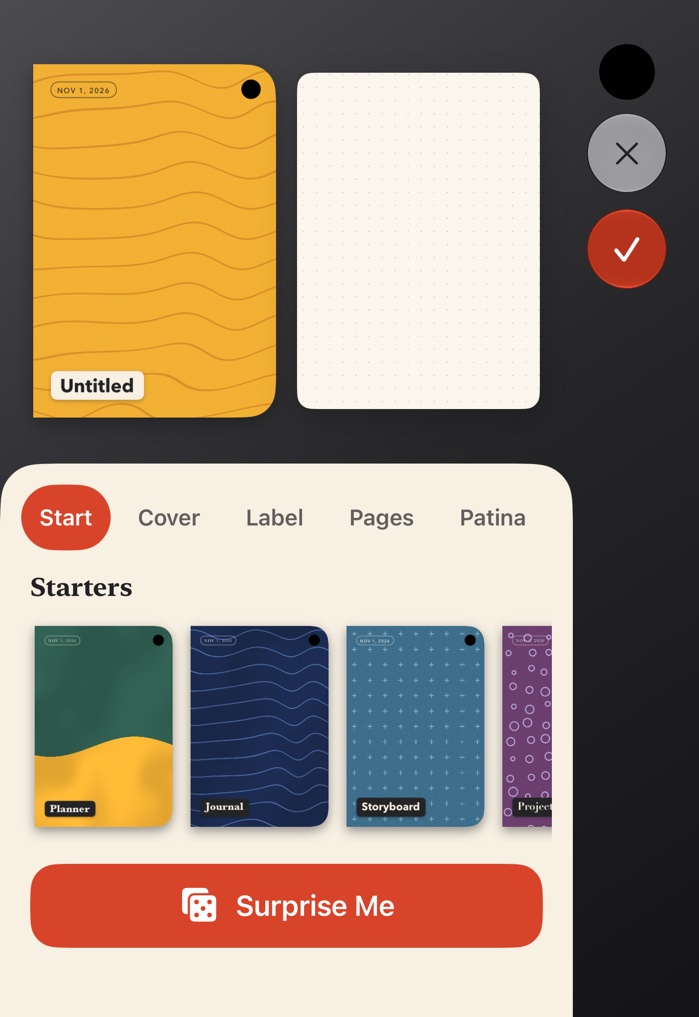
Starters and Surprise Me
Pick a ready-made notebook, or let the dice choose a cover, name and paper.
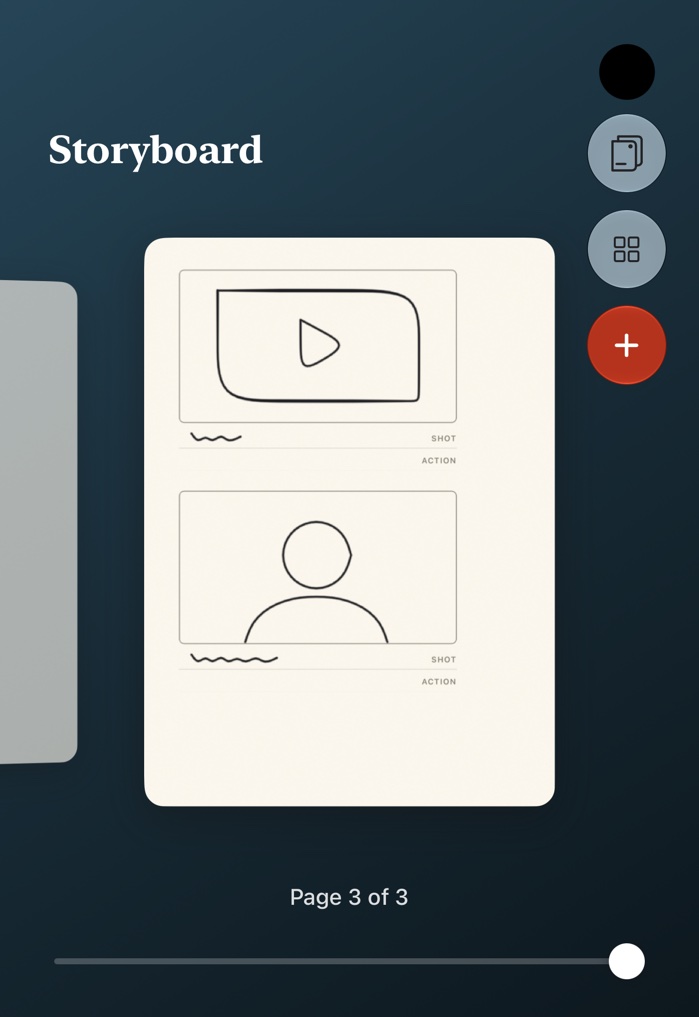
Every page at a glance
Pinch partway to fly through your pages and drag them into a better order.
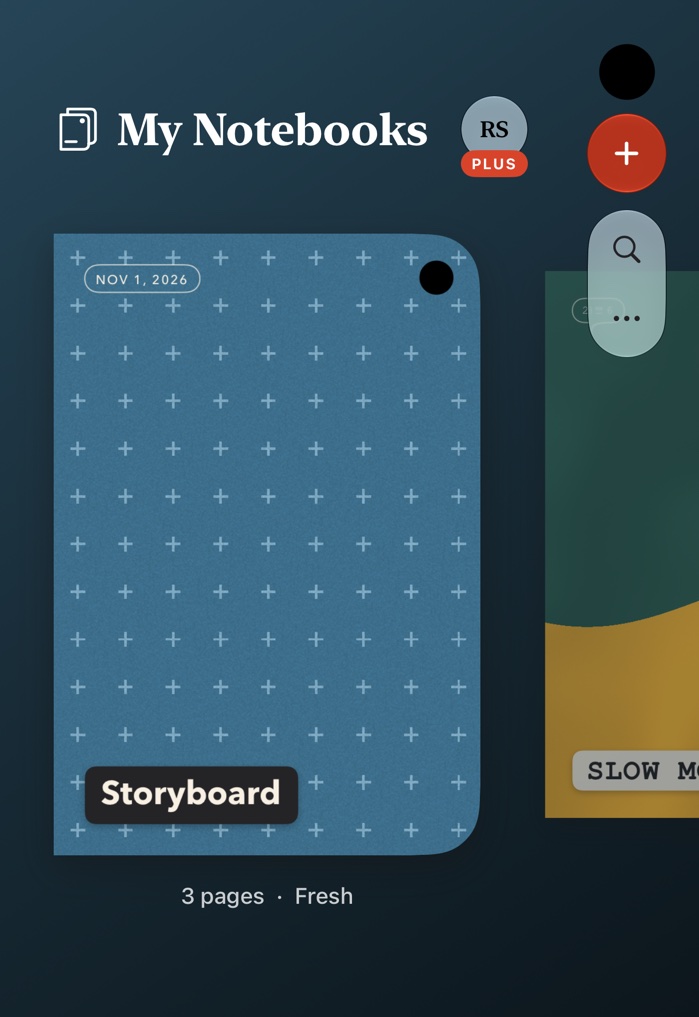
A shelf that's yours
Colorful covers, bundles, and a patina that shows how much you've used them.
Why it exists
A notebook that's actually a notebook
iPhone Duo folds up like a pocket notebook and opens into a two-page spread, so I wanted an app that felt like one. I'm a content creator, so it started with storyboards. It quickly became where everything else went too: plans, lists, recipes, and notes to my future self.
Roger Seng
Opened
Open it, and it's a desk
Unfold your iPhone Duo and your notebook spreads across two facing pages, with everything on the shelf a tap away.
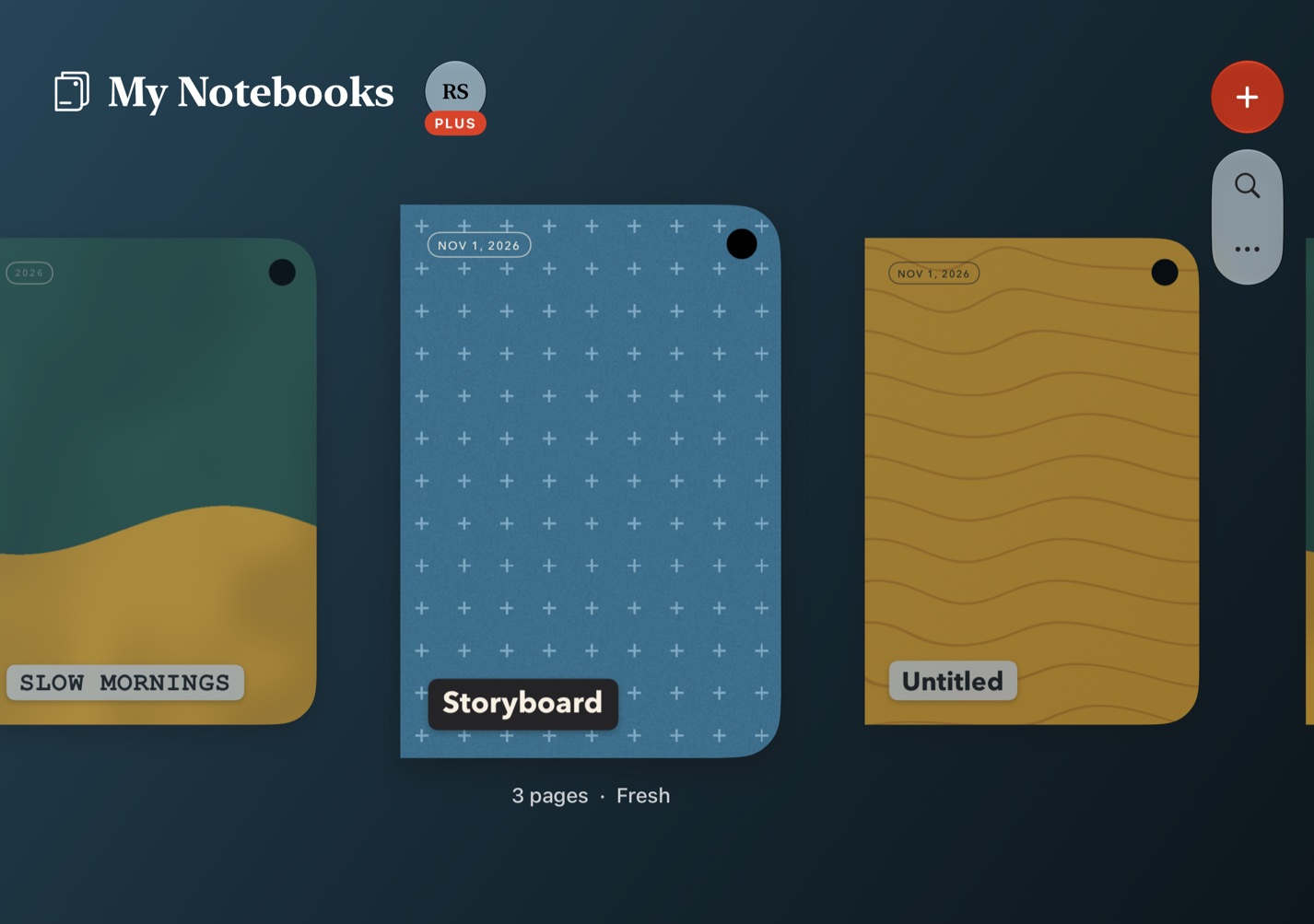
Try it
Go on, open it
Tap the cover and draw on the page with your finger, mouse or stylus. Use the page button to change the paper. Nothing here is saved.
Everything a good notebook does
Paper for every job
Planner, Journal, Project, Trip, Recipe, Reading Log and Storyboard. Most come in a version to write on and one to type on, and every page can have its own.
Starters and Surprise Me
Start from a ready-made notebook, or let the dice pick a cover, name and paper. Press and hold a paper to keep it while everything else changes.
Ink stays ink
Write with Apple Pencil and it saves as handwriting. Nothing gets converted unless you ask.
Search your handwriting
Find what you typed or wrote by hand across every notebook. Handwriting is read right on your phone.
Share as a file
Send a page as a JPG or PDF, or a whole notebook as a PDF.
The page carousel
Pinch partway to fly through every page. Add one, hold and drag to reorder, or swipe up to share, bookmark, duplicate or delete.
Taped-in photos
Tap a photo to move, resize or rotate it, and layer it above or below the others.
Highlight behind the words
Marker sits under your text, so nothing you wrote gets covered.
Text anywhere
Add plain text with one tap, drag it anywhere on the page and turn it to any angle.
Type, Draw or Select
Every notebook opens with no tool in your hand, so pages just turn. Double tap to start typing, or pick a tool and its options appear beside the page.
A real page turn
Pages curl under your finger, with paper on the back. Pinch or swipe past a cover to close the notebook.
Pages that grow
Start with one page and add more whenever you like. The back cover has a button for a new one.
Bundles
Keep related notebooks together, and arrange them your way.
Bookmarks
Mark a page and jump straight back to it.
Undo and Redo
Step back and forward through text, ink, photos and boxes while you work.
Nudges
Type @nudge tomorrow at 5pm on any line and get a reminder.
Backups you control
Back up on a schedule to a folder you choose in iCloud Drive.
Patina
Covers scuff and fade and pages yellow as a notebook gets used.
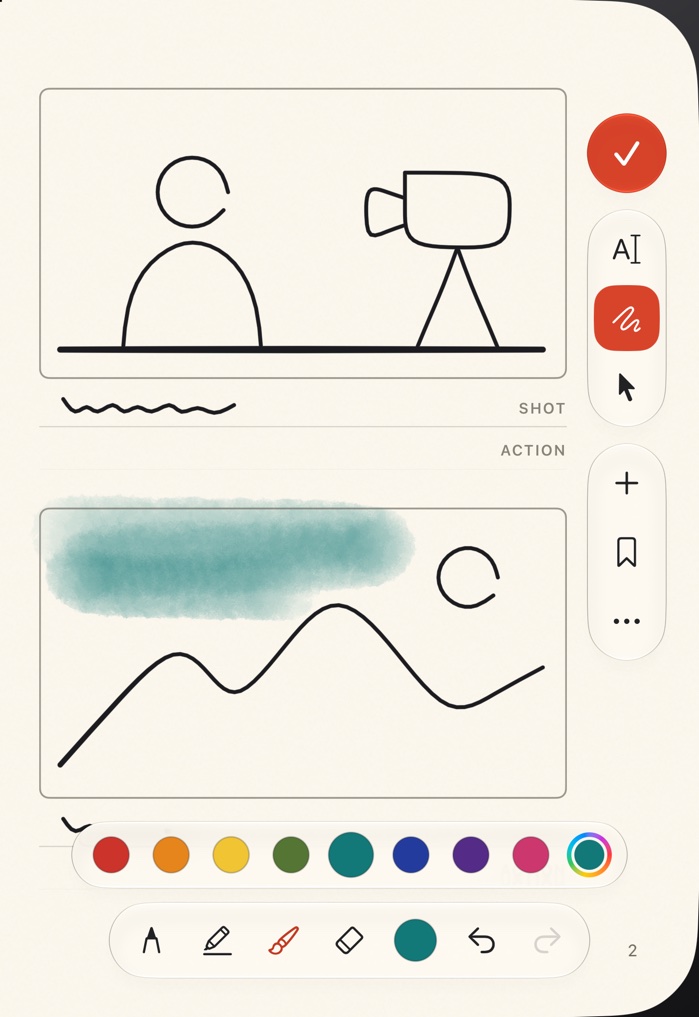
Nothing is final
Plans change. Most apps turn a pen stroke into something you can only erase, but Papertrail keeps every line editable. In Select, tap a line, or hold and drag to circle several, then change their color and thickness, drag them somewhere better, or pinch to resize.
Tap a photo to move, resize or rotate it, and send it forward or back when you're layering a page. Undo and Redo cover all of it.
Only on iPhone Duo
Designed around the fold
Closed, it's a notebook
Fold your iPhone Duo and the outside screen becomes the notebook's cover, in the exact proportions of the folded phone.
Open, it's a spread
Unfold sideways for two facing pages with a real spine, or hold it upright for one big page.
The camera has a place
Every cover has a black dot exactly where the Duo's camera sits, so the camera becomes part of the notebook.
Controls under the camera
Navigation stays in one column below the camera, in the same spot on every screen.
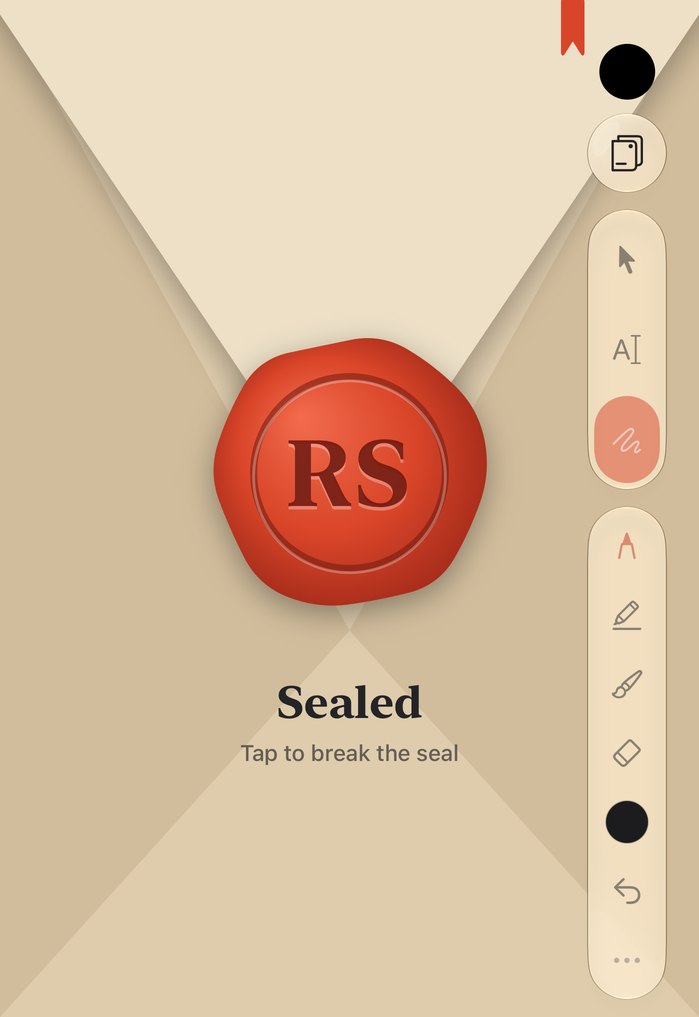
Seal what's private
Some things are just for you. Seal a single page or a whole notebook. A sealed page folds shut like an envelope, stamped in wax with your own initials, and opens only with Touch ID or your passcode.
It closes again when you leave the app. Search skips what's inside, and reminders from a sealed page stay vague on your lock screen.
Papertrail Plus
Papertrail is free. Plus is $2.99 a month or $24.99 a year, and every new subscriber gets the first 14 days free.
Free forever
- Unlimited notebooks and bundles
- Pen, marker, text and Apple Pencil
- Every paper, including Storyboard
- Photos and text anywhere
- Search, seals, nudges and bookmarks
- Backups and page saving
- Starters and Surprise Me
Plus adds
- Custom cover colors, materials and patterns, including emoji
- Any page color you like
- Your own photos as covers and page art
- Watercolors, in any color you like
- Coming to Plus: sync across devices and version history
Your notes stay yours
There are no ads and no tracking, and Papertrail doesn't send your notebooks to any server of ours. They live on your phone, plus any backup you choose to make. Read the Privacy Policy.